01
Agentic, not one-shot
Muse Image reasons through a prompt in steps and uses tools along the way, so you get a more accurate result than a single-pass text-to-image model.
Muse Image doesn't just turn a prompt into a picture. As a muse AI image generator, it plans, searches the web for context, blends your reference photos, and refines its own draft before you ever see it — all inside Meta AI.
Enter a prompt, add up to 10 reference images, and create your own image directly on this page.
Optional reference images (0/10, JPG/PNG up to 10MB each) — leave empty to generate from text only.
Output Preview
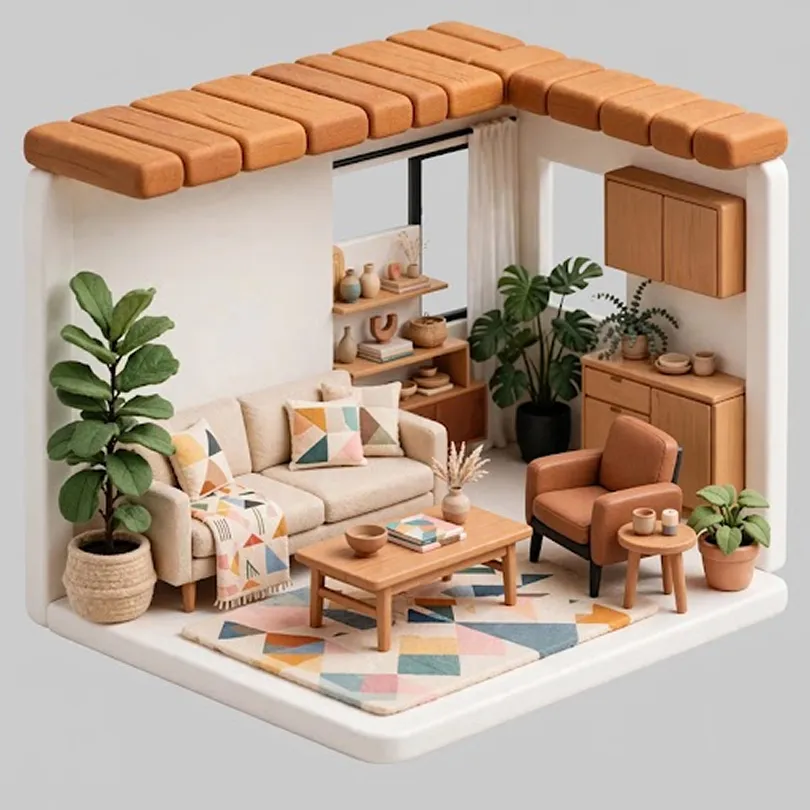
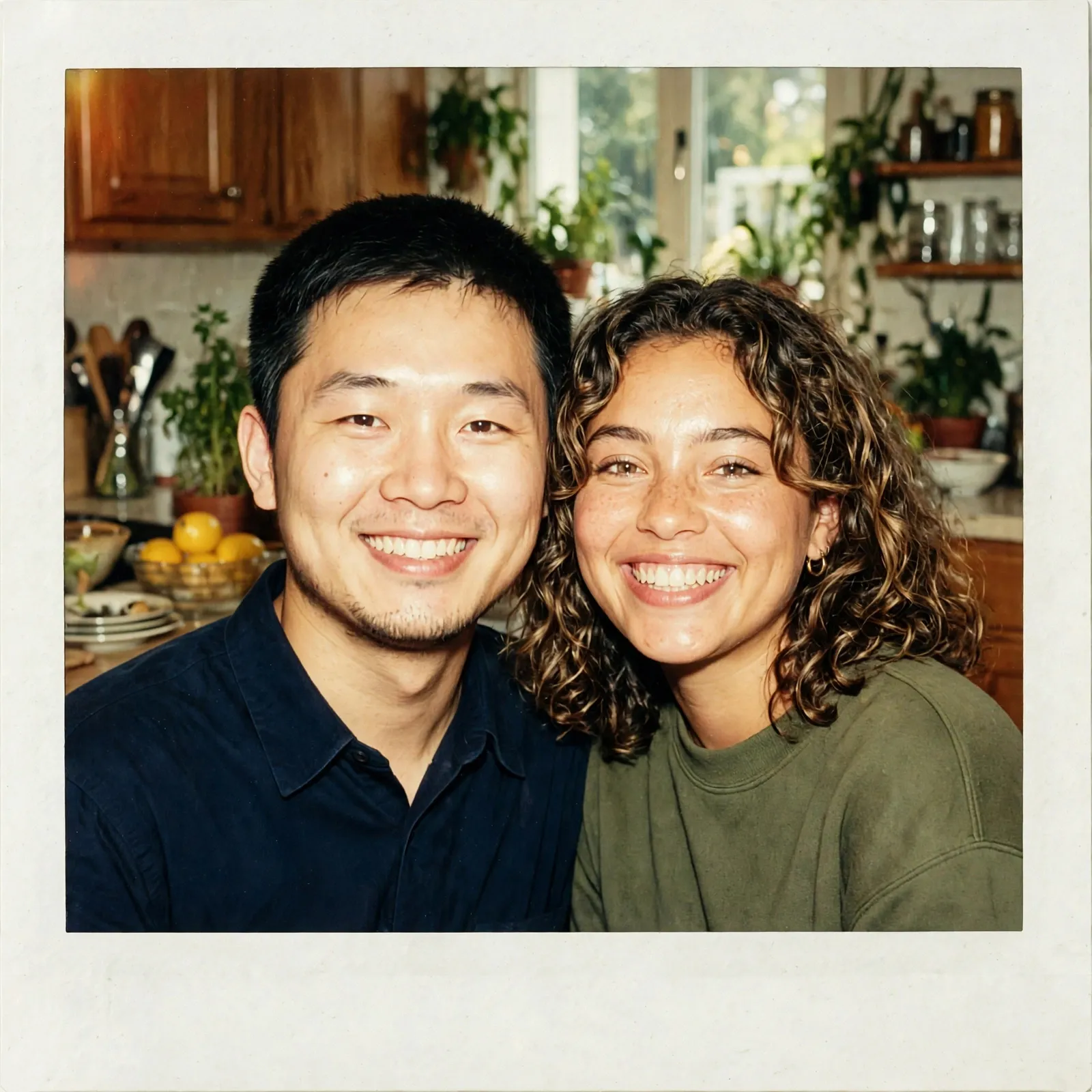

Muse Image is Meta's agentic AI image generator, built by Meta Superintelligence Labs. Instead of mapping your prompt straight to a picture, this muse image generator plans ahead, calls on search and coding tools, and self-refines its own draft to get closer to what you actually asked for. Muse Image also integrates with Muse Spark, so the two models can share tools and plan jointly for more advanced, agentic media generation.
Muse Image reasons through a prompt in steps and uses tools along the way, so you get a more accurate result than a single-pass text-to-image model.
The model reviews its own draft and self-refines it — a small local fix or a full redo — before you ever see the result.
Like a reasoning language model, Muse Image improves the more compute it spends at inference time, so quality scales with reasoning depth, not just model size.
From agentic tool use to precise editing, here's what powers every image this agentic AI image generator creates.
Muse Image can write and run code to produce accurate charts and QR codes, and it checks its own rendered output to sharpen detail — useful when a prompt needs to be exactly right, not just close.
Muse Image can search the web mid-generation to ground your image in real, current facts — helpful for prompts about current events or specific real-world details, instead of guessing.
Within its own chain of thought, Muse Image reflects on a draft and improves it — a small local edit, a full regeneration, or another tool call, depending on what needs fixing.
The longer Muse Image reasons and calls tools before answering, the better your result gets — quality scales with how much it thinks, not just a bigger model.
Ask for a specific change and Muse Image edits exactly that part of the image — useful for targeted fixes instead of regenerating the whole scene from scratch.
Combine people, objects, clothing, styles, and environments from several reference images in one prompt, mixing text and images inline for more complex compositions.
Images made with Muse Image in the Meta AI app carry an invisible provenance signal that Meta says stays intact even after cropping, compressing, resizing, or a screenshot.
The examples below were generated using Muse Image in the Meta AI app. Actual results may vary depending on your prompt, reference photos, and the model version in use.
Generate images directly on this page with the built-in Muse Image generator — just three simple steps.
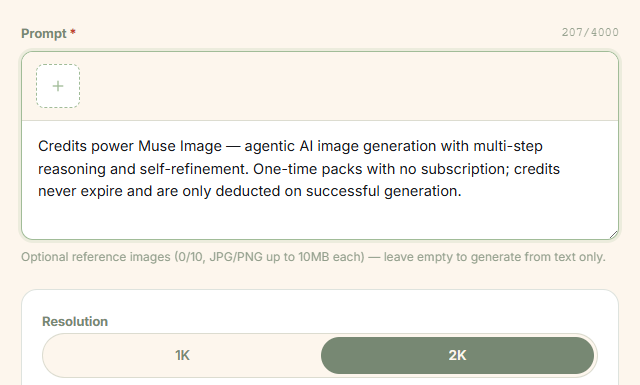
Enter a text prompt describing the subject, style, lighting, and composition you want — supports up to 4,000 characters. Optionally upload up to 10 reference images (JPG/PNG, max 10MB each) to guide the generation.
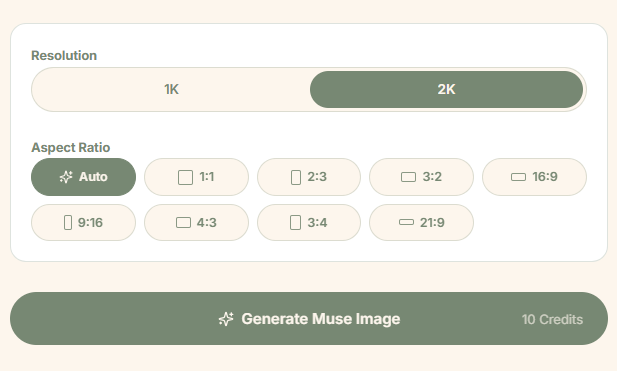
Pick 1K or 2K output resolution, then select your preferred aspect ratio — from 1:1 square to 21:9 ultrawide, including portrait and landscape options.
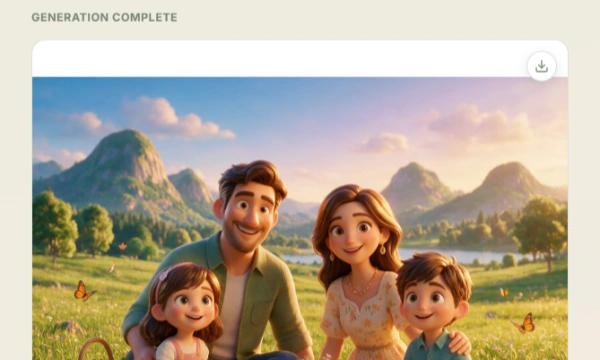
Click Generate Image to let Muse Image plan, reason, and self-refine the result. Once complete, preview the output and download it as a watermark-free PNG.
Turn a rough idea into a post-ready image for Instagram, TikTok, or YouTube without opening a design tool. Sketch a quick edit with the markup feature instead of redoing the whole prompt, and keep a consistent visual style across a content calendar.
Generate on-brand creative variations from an existing asset for campaign testing. Because Muse Image follows instructions closely, teams can request specific, targeted changes instead of regenerating a whole concept from zero each time.
Blend product photos with new backgrounds or contexts for listings and marketing pages. Multi-reference blending helps combine a product shot with a lifestyle setting without a separate photoshoot for every variation.
Muse Image ranked No. 2 on Arena for text-to-image generation and image editing (single- and multi-image), based on human-preference Elo scores from Meta's research post.
Bars are illustrative, not exact Elo values — Meta's post reports Muse Image's rank (No. 2) in each category but does not publish the underlying Elo scores or the margin to No. 1. Rankings reflect a snapshot at the time of Meta's June 2026 research post and may change as models are updated.
See why artists, designers, and content creators are choosing Muse Image for agentic AI image generation.
“Muse Image's agentic approach is a game-changer. It actually thinks through my prompt and refines the result — way better than single-pass generators I've used before.”

“The self-refinement loop is what sets this apart. I can see it planning, searching, and fixing mistakes before I even see the output. Saves me hours of re-rolling.”

“Being able to upload reference images and have the AI blend them intelligently is exactly what I needed. The multi-step reasoning produces consistently better compositions.”

“The resolution options and aspect ratio controls give me professional-grade flexibility. 2K output with reference image support makes this my go-to for client work.”

“I use Muse Image daily for mood boards and concept exploration. The tool-use reasoning means my prompts are interpreted more accurately than any other generator.”

“No subscription is huge for me. I buy credits when I need them, generate exactly what I want, and the watermark-free PNGs are ready to post. Couldn't be simpler.”

“The 1K and 2K resolution options are perfect for different deliverables — 1K for quick drafts, 2K for final client presentations. The quality holds up beautifully at both levels.”

“Uploading my own sketches as reference images and watching Muse Image reason through the composition is like having an AI art director. It understands context in a way other tools simply don't.”

“I generate product shots with specific aspect ratios for my store. The 3:4 and 1:1 options mean I never have to crop later. Credits-only model keeps my costs predictable.”

Credits power Muse Image — agentic AI image generation with multi-step reasoning and self-refinement. One-time packs with no subscription; credits never expire and are only deducted on successful generation.
Starter
160 credits
Perfect for trying out Muse Image — generate a handful of images to see what agentic AI can do.
Pro
580 credits
For creators generating regularly — better per-credit value for daily Muse Image workflows.
Scale
1,100 credits
Best value for teams and content pipelines — more images at the lowest per-credit cost.
Max
3,330 credits
Lowest per-credit cost for high-volume production — campaigns, client work, and daily output at scale.
Prices include all taxes. One-time packs — credits never expire.
Muse Image is Meta's first image generation model from Meta Superintelligence Labs. It reasons through a prompt using search and self-refinement instead of mapping text straight to pixels — generating, blending, and editing images from plain-language instructions.
Open Muse Image on our website, enter your prompt in the generation panel, choose your size and resolution settings, and click Generate to create your image.
Standard models map a prompt directly to an image in one pass. Muse Image acts as an agent — it can search the web, plan a layout, and review its own draft before finishing, per Meta's research post.
New users get free credits upon sign-up, enough to generate 1–2 images for free — no watermark, and downloads are available immediately. No subscription is required to get started.
Yes. You can use images generated on our site for advertising, marketing, client projects, and other commercial purposes, subject to our Terms of Service.
Content Seal is Meta's invisible watermarking system. Images generated with Muse Image in the Meta AI app carry a hidden provenance signal that Meta says survives cropping, compression, resizing, and screenshots.
You can use Muse Image directly on our website — no app download required. Muse Image also runs inside the Meta AI app, and Meta has said it powers creative tools in Instagram and WhatsApp as well.
Yes. You can start from an existing photo and describe a change, or use the markup tool to circle or sketch directly on the image to guide the edit.
Start generating agentic AI images right now — no subscription required.